

From phone to television
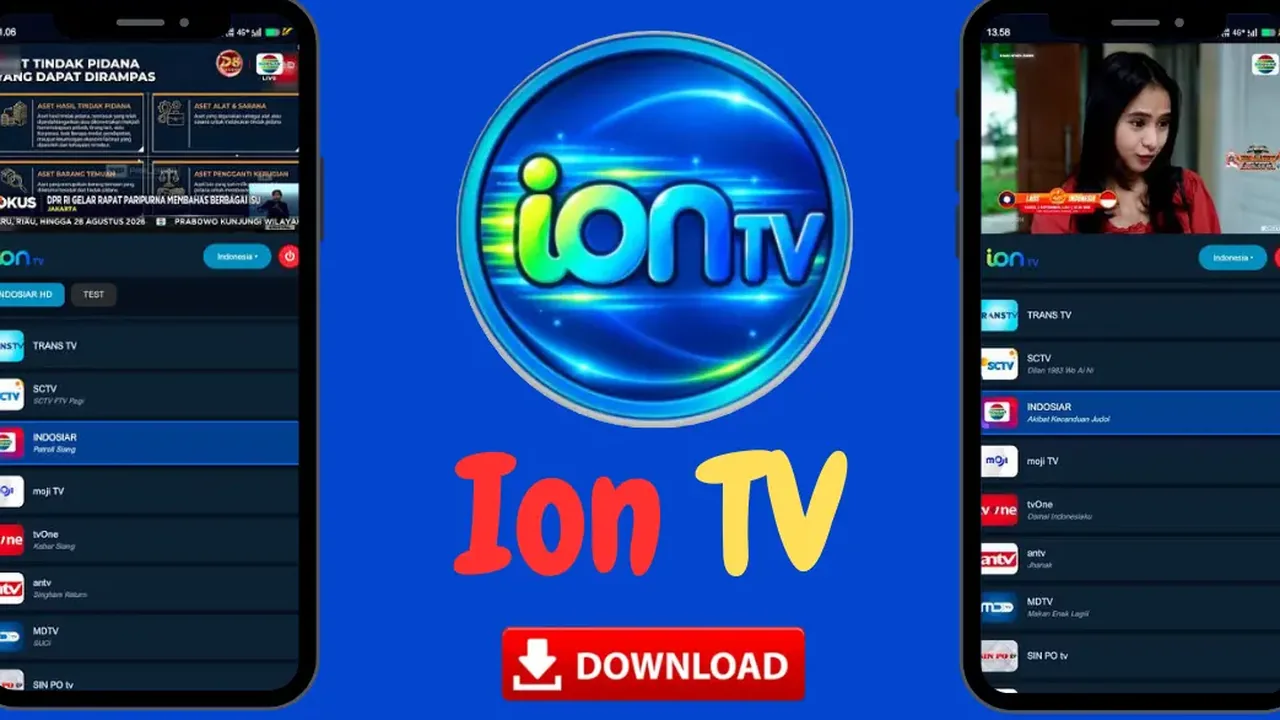
The television is where Ion TV becomes a shared evening. get Ion TV runs on Android TV devices, and the guide, the categories and the player carry over from the phone unchanged.
The install mirrors the phone: a checked file, the file manager, and the prompts on screen. The difference is only the screen size and the remote.
Remote habits
Browse categories first, then lists. The remote rewards a viewer who knows the category before scrolling, and the guide rewards a viewer who checks Events before kick-off.
Give lists a moment to load. A list tapped too early can open the wrong channel, and a moment of patience saves a trip back through the guide.
The living room setup
Seating matters: a television watched from the right distance looks better than the same television watched too close.
Sound matters as much as picture. A quiet room and decent volume make a match feel like an occasion.
Lighting matters too: a darkened room suits a film, and a lit room suits the news. Match the room to the programme.
Smooth big screen playback
Strong Wi-Fi is the whole secret of the big screen. Ion TV APK on PC covers the Android TV setup in detail, and Ion TV APK Picture-in-Picture explains quality settings for long sessions.
For the biggest matches, test the link before kick-off. A link that plays cleanly an hour early usually plays cleanly at kick-off too.