Before You Download
This is the download page for Ion TV. The countdown above prepares the download, and the button appears when it finishes. The version 1.1.11 file (17.85 MB) is linked on this page, and the button opens it in a new tab.
The APK details table gives the verified facts from the file listing: the package name, the build, the minimum Android version, the file size, the categories, and the sports covered.
What You Get
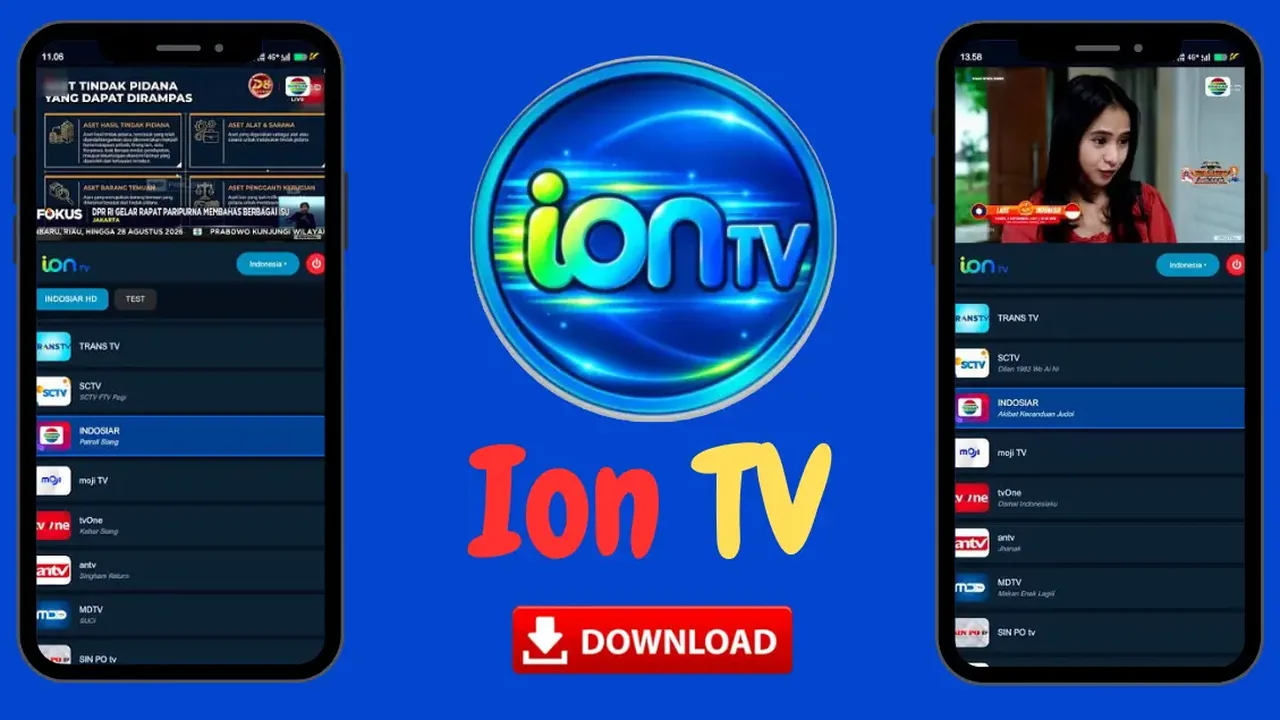
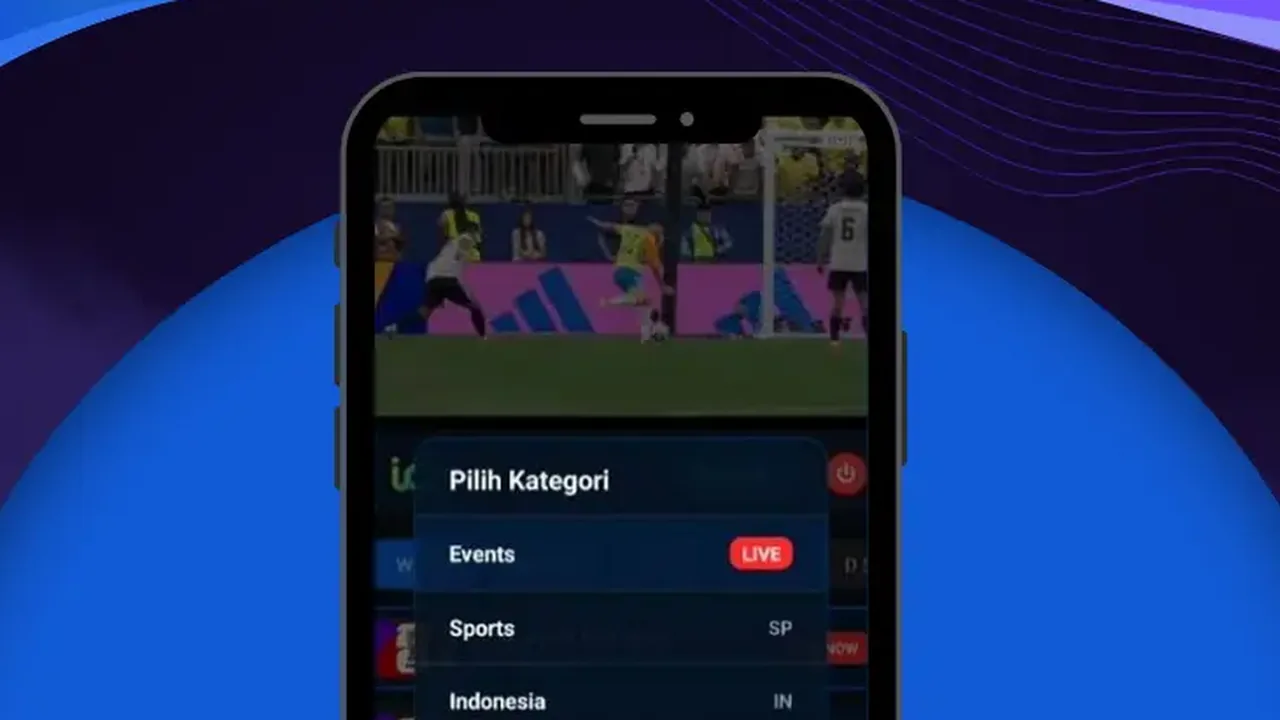
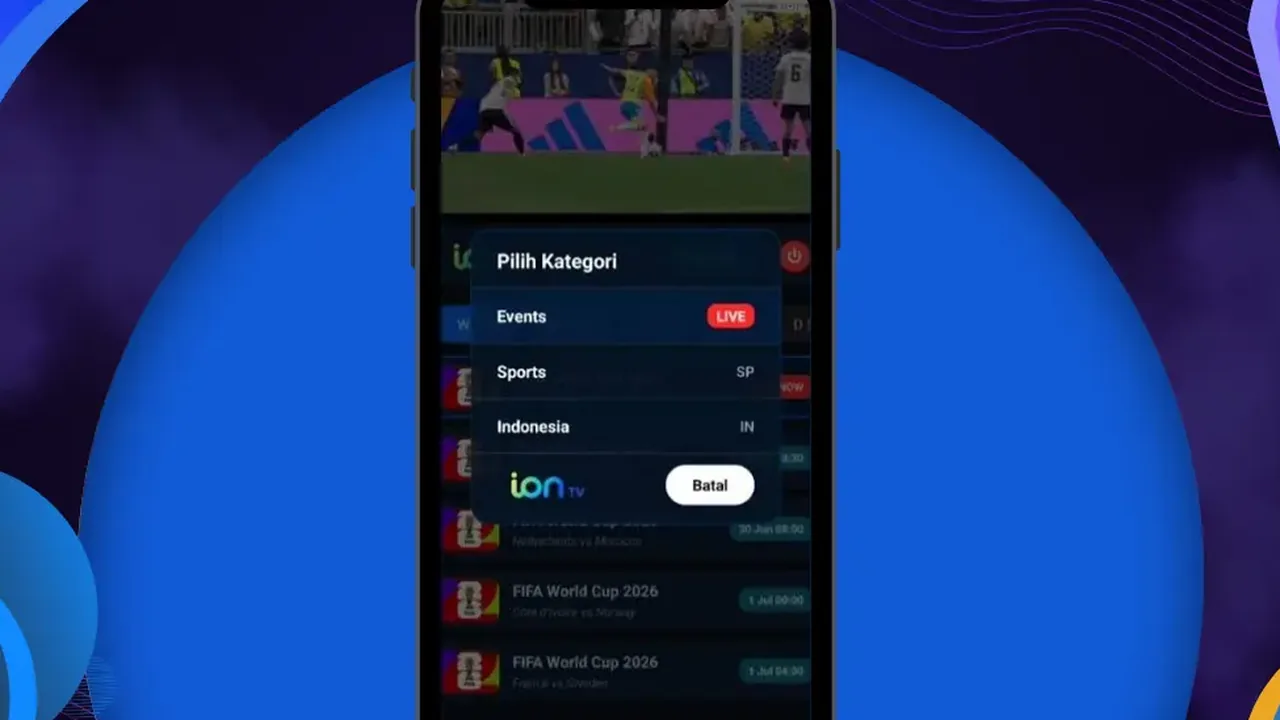
Ion TV is a live TV and live sports player for Android. The guide holds more than 250 live channels in seven categories, with live football, cricket, basketball, rugby and tennis under Events and Sports, Indonesian channels under Indonesia, and movies, series, news and kids programming in the remaining categories.
The player carries picture in picture, a force low quality mode, multiple links for a broadcast, notifications for upcoming events, and highlights and replays. Watching needs no sign-up, and the same guide works on phones, tablets and televisions.
After the Download
Install it with the steps on the home page: allow installs from the source used, open the file, and follow the prompts. Then open Ion TV, let the categories load, pick a category, and pick a broadcast. If a stream buffers, try another link, then low quality mode, and the evening keeps going.