
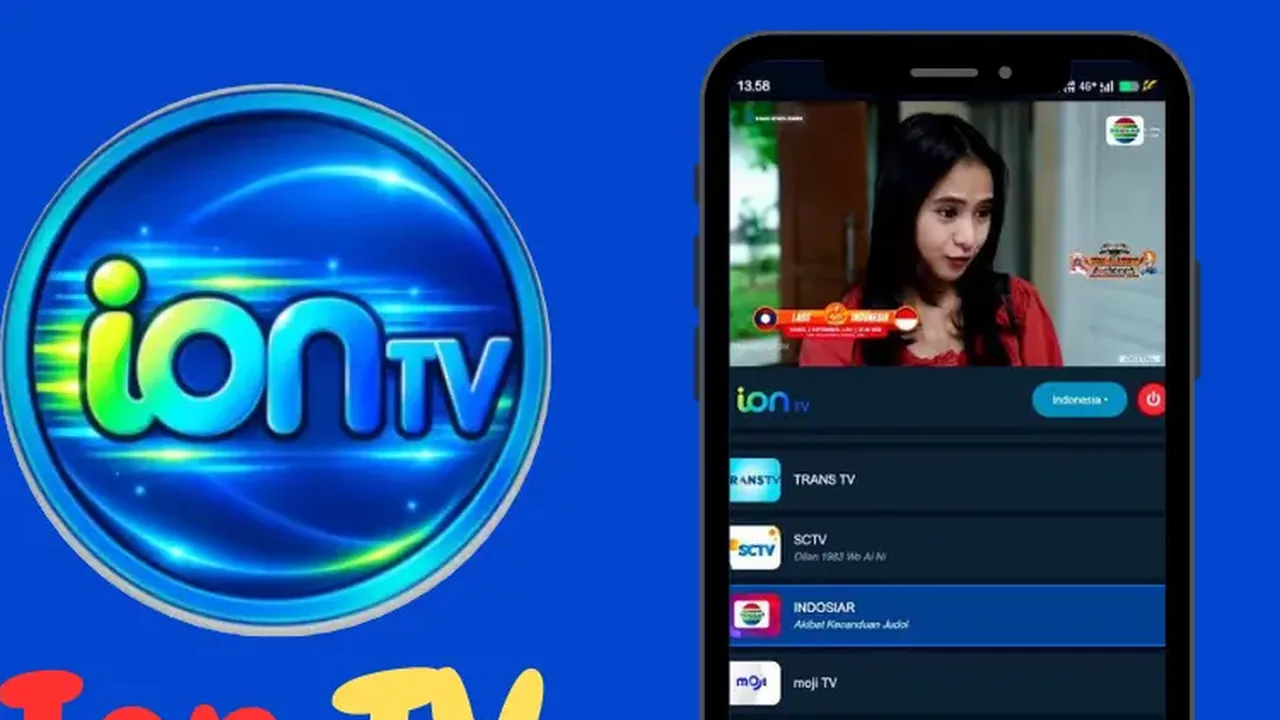

What picture-in-picture does
Picture-in-picture shrinks the video into a small floating window that stays on screen while another app is used. Ion TV download supports it where the phone supports it, and it is made for live sport: the match keeps playing while a message gets answered.
The window can be moved, and tapping it returns the video to full screen. It is a small feature that changes how a live match fits into a busy day.
How to use it
Start the video, then switch to the home screen or another app while it plays. The player should shrink into the floating window on phones that support the feature.
If the window does not appear, check the phone app settings for picture-in-picture permission for Ion TV, and try again. Some phones and some software versions handle it differently.
Windows within windows
Move the window where it does not cover the work. A corner window is company; a centre window is a distraction.
Resize where the phone allows it. A slightly larger window suits a match; a smaller one suits the news.
Two windows are enough. A match plus a message is multitasking; a match plus three apps is chaos.
Best uses
Picture-in-picture shines for long matches and long news hours. Ion TV APK Quality and Data Guide covers the quality settings that keep the small window smooth, and Ion TV APK Notifications explains notifications, which pair well with a floating match.
Close the window when the match ends. A forgotten floating window uses data and battery for a broadcast nobody is watching.