

The emulator route
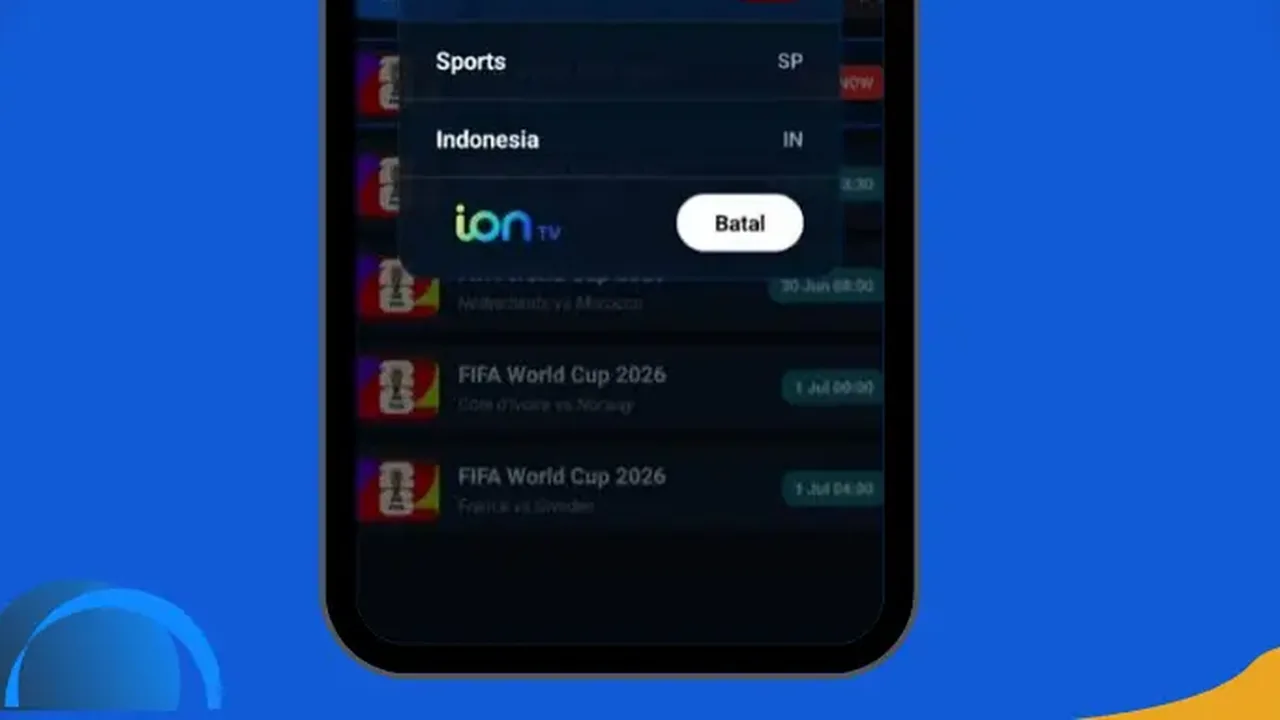
Ion TV is an Android app, and a PC runs it through an Android emulator: a program that creates a virtual Android phone on the computer. Ion TV APK installs inside the emulator exactly as it installs on a phone.
Pick a well known emulator, install it, open it, and install the Ion TV file inside the virtual phone. The guide and the player open inside the emulator window.
Setup that works
Give the emulator enough memory and a strong connection. Video inside a virtual phone needs both, and a starved emulator stutters no matter how good the link is.
Use the mouse as the finger: click categories, click channels, and use the emulator window controls for full screen. The player fills the window nicely on a monitor.
The emulator desk
A desk setup suits solo watching: headphones, a second monitor for the guide, and the match in the main window.
Keep the emulator updated. An old emulator stutters where a current one plays smoothly.
Close heavy programs before a match. The emulator shares the computer with everything else running.
When a television is better
A PC works, but a television is simpler for shared watching. Ion TV APK Picture-in-Picture covers the Android TV setup, and Ion TV APK Quality and Data Guide explains the phone setup for solo viewing.
Use the PC for solo sessions and research: checking fixtures, testing links, and watching while working. Use the television for the match night that matters.