
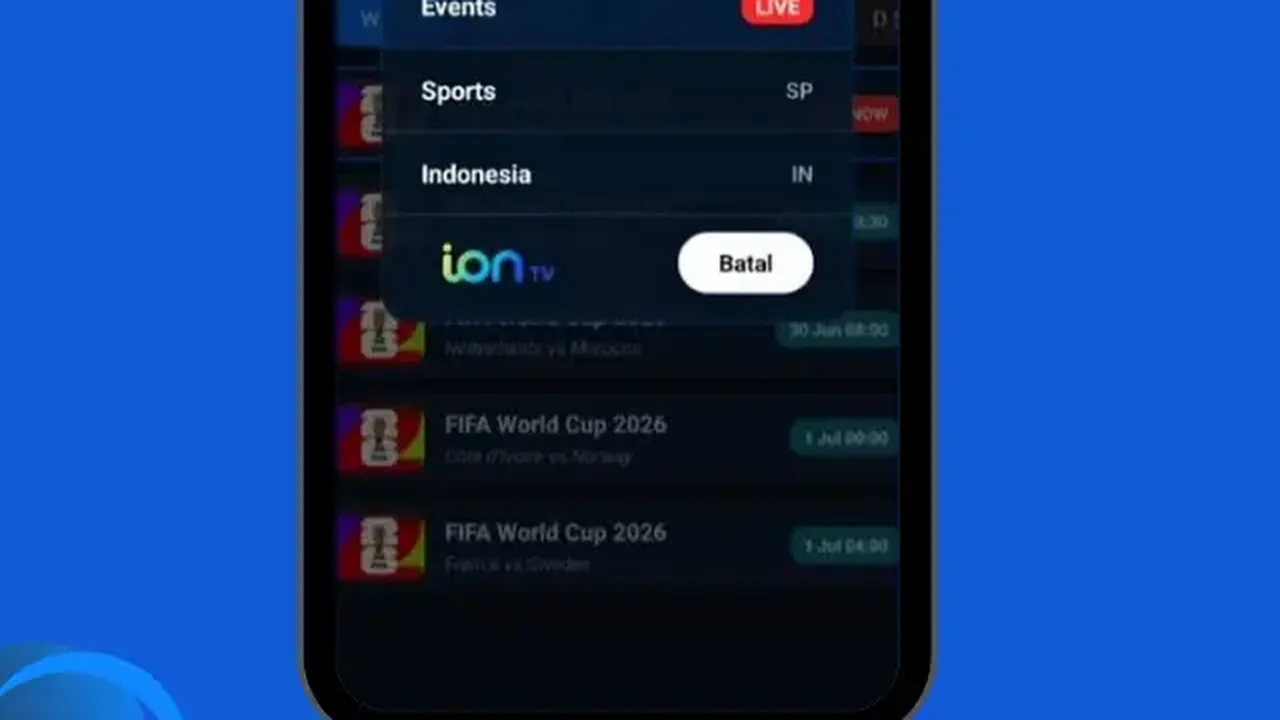

What the app asks for
Ion TV is a free live TV app with no sign-up step. download Ion TV asks for the permissions a video player needs to run, shown on the install prompts.
Read each permission prompt on your own device before accepting it. If a prompt is unclear, pause before tapping anything.
Choosing a file
Install from a file you have checked yourself. download page carries the file, and the install guide covers the steps.
Check the file details table on this site before fetching anything new. The app name, the developer name as given, and the category should match what the file claims to be.
A safe phone is a habit
Update the phone software regularly, use only checked sources for installs, and read each prompt before tapping. Safety is a routine, not a single choice.
Review installed apps now and then. A tidy phone is a safer phone, and a safer phone streams better.
Teach the habit to anyone who shares the phone. A family device stays safe when everyone who uses it knows the rules.
Smart install habits
Keep the phone software updated, turn the install permission back off after installing, and update through a fresh checked file. Ion TV APK Beginner Guide explains updates, and How to Watch Live Sports on Ion TV covers the fix guides for the rare bad install.
If anything about a file feels wrong, stop and check. A careful minute before installing beats a long afternoon fixing a careless one.