
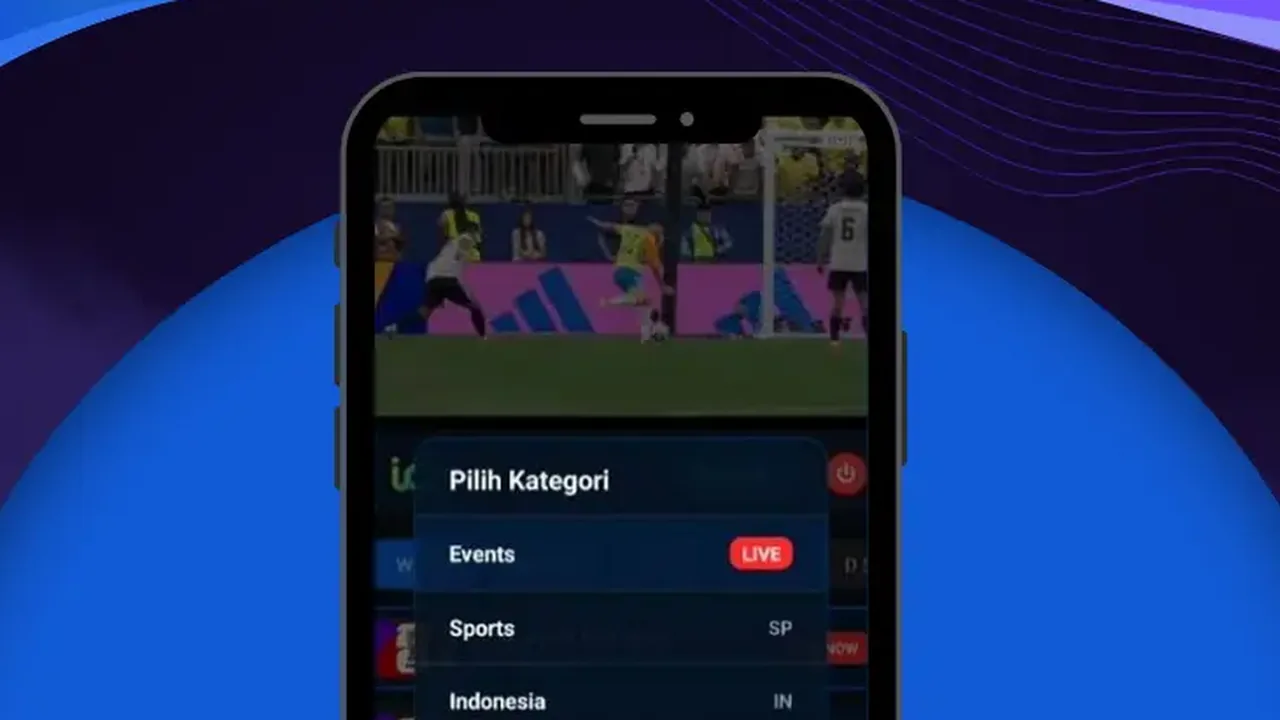

Find the fixture first
Ion TV download lists live fixtures under Events, with kick-off times beside them. Check the guide before the match, pick the fixture, and open the player from the list.
Arrive a few minutes early. The guide, the link and the player all need a moment, and early arrival beats a scramble at kick-off.
Watch live, then catch up
Live coverage is the main event, and highlights and replays cover the rest. A missed match can be caught in highlights, and a replay, where available, shows the whole match on your schedule.
Notifications help fans who cannot watch every minute. Match starts and major moments can reach the phone, so a favourite team stays followed away from the screen.
Reading the fixture list
Fixtures tell a story: who plays, when, and where in the guide. A fan who reads the list watches more and scrambles less.
Derbies and finals strain links most. Arrive early, test the link, and keep a second link in mind.
A fixture missed live is not a fixture missed. Highlights and replays are part of the sport, not a consolation.
When a link struggles
Try another link for the same broadcast before giving up. Ion TV APK Football Guide explains buffering fixes in order, and Ion TV APK Cricket Guide covers picture quality and data for long sessions.
A steady stream beats a sharp one that stalls. Lower the quality early in a big match and enjoy the game instead of the loading screen.