
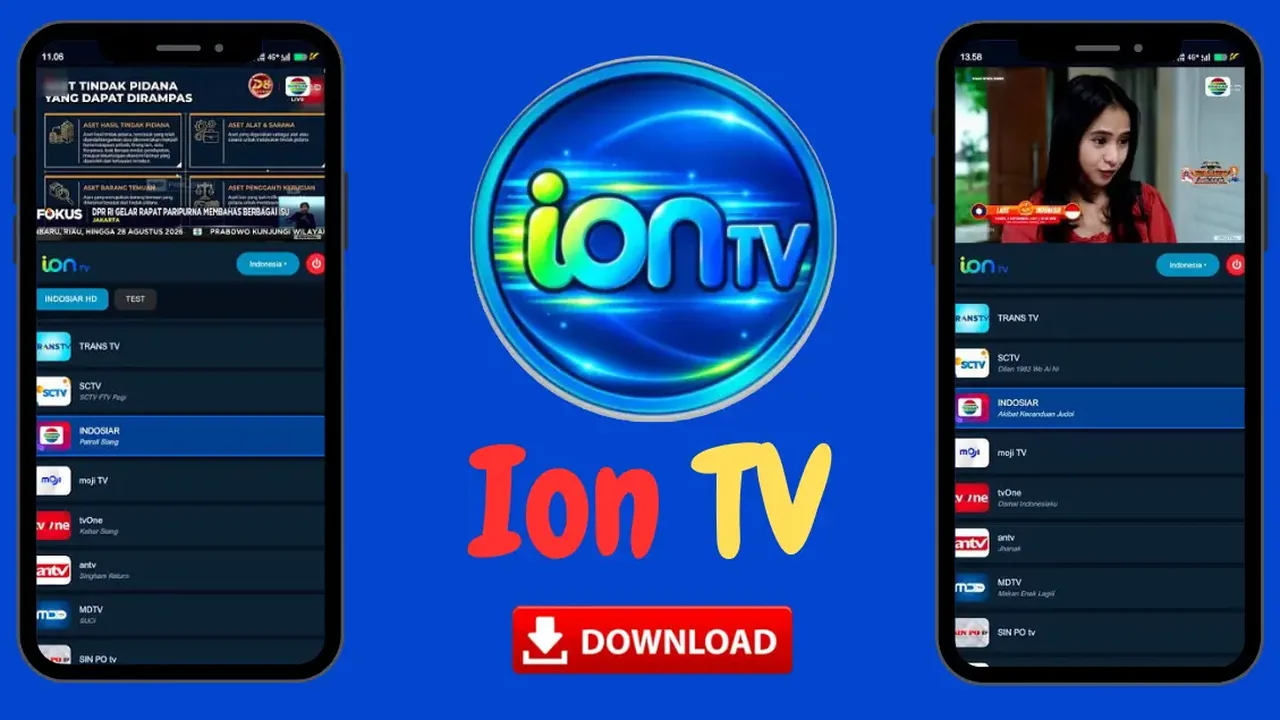

Your first open
Ion TV APK opens on the guide, and the first evening is about learning it, not watching everything. Open the app, let the lists load, and scroll the categories slowly: Events, Sports, Indonesia, Kids, Blockbuster, News and Knowledge.
Tap one channel and watch for a minute. Learn where the player controls sit, how to go back to the guide, and how the list feels on your phone before the match you care about starts.
Pick a category, then a channel
Categories are the shortcut. Sports gathers the sports channels, Indonesia gathers the Indonesian channels, and Events gathers the live fixtures with their times.
Inside a category, scroll before you tap. The list shows names and, for events, fixtures and times, so the choice is made before the player opens.
Mistakes every beginner makes
Scrolling everything instead of choosing a category, and losing the evening to the list instead of the programme.
Tapping a channel before the lists finish loading, and opening the wrong broadcast.
Watching on mobile data in high definition, then wondering where the data plan went.
Learn the player in one sitting
The player takes over the screen when a channel opens. How to Watch Live Sports on Ion TV explains the player features in detail, including picture-in-picture and low quality mode.
End the first evening by checking the guide again. The next fixture, the next news hour and the next movie sit in the same lists, ready for tomorrow. Ion TV APK Football Guide covers the sports side in full.