
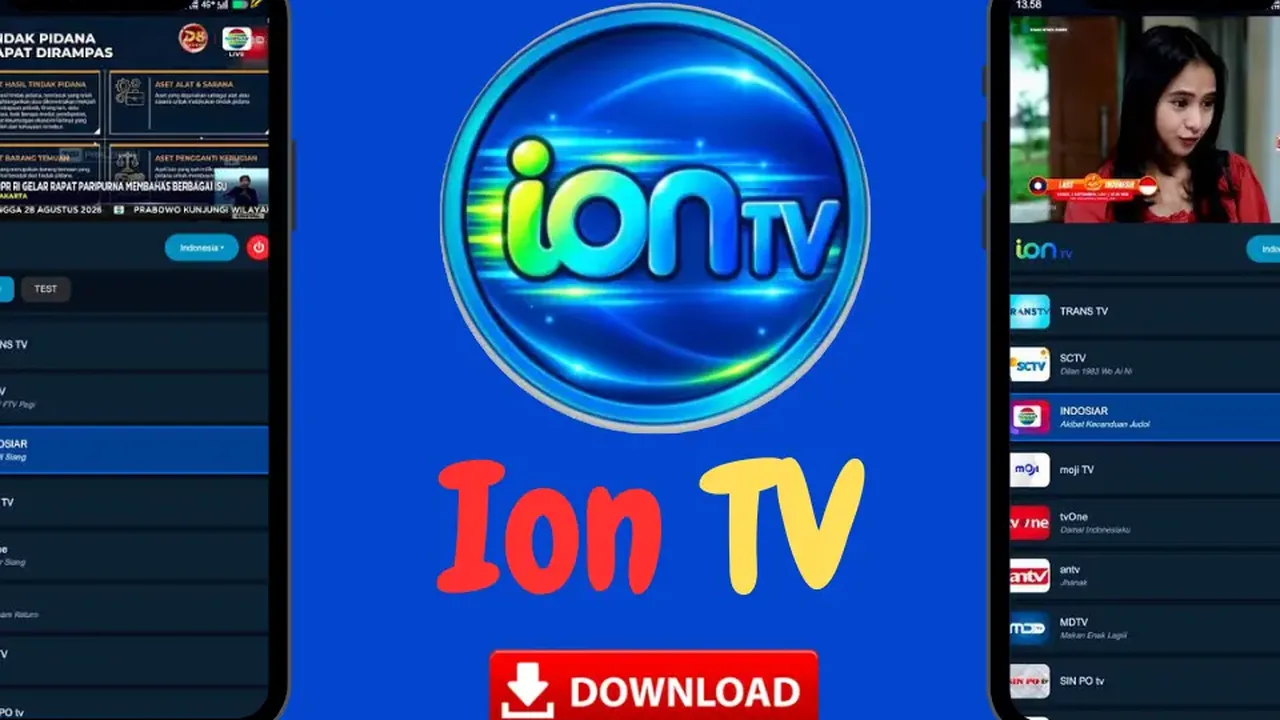

The phone setup
The phone is the pocket television. Ion TV for Android opens on the guide, lists scroll under one thumb, and the player takes the full screen with a tap.
Keep the phone charged for long matches, and use Wi-Fi where possible. A match on a low battery is a match that ends early.
The tablet setup
A tablet gives the same guide more room. Lists are wider, the player is larger, and a stand turns the tablet into a small television for the kitchen, the bedroom, or the garden.
Tablets suit shared viewing too. Two viewers can share a tablet screen comfortably, and the guide stays easy to reach for both.
The daily pocket habit
Morning news on the phone, evening match on the tablet or television: the right screen for the right hour.
Keep the app updated on every device. An old phone app and a new tablet app will disagree about the guide.
Charge overnight, every night. A dead phone at kick-off is a preventable loss.
Daily watching habits
Check Events before the match, test the link early, and keep notifications on for the teams that matter. Is Ion TV Safe? Permissions, Files and Smart Installs covers notifications, and Ion TV APK Beginner Guide explains picture-in-picture for busy days.
End each session by closing the player. A stream left running uses data and battery for a broadcast nobody watches.