
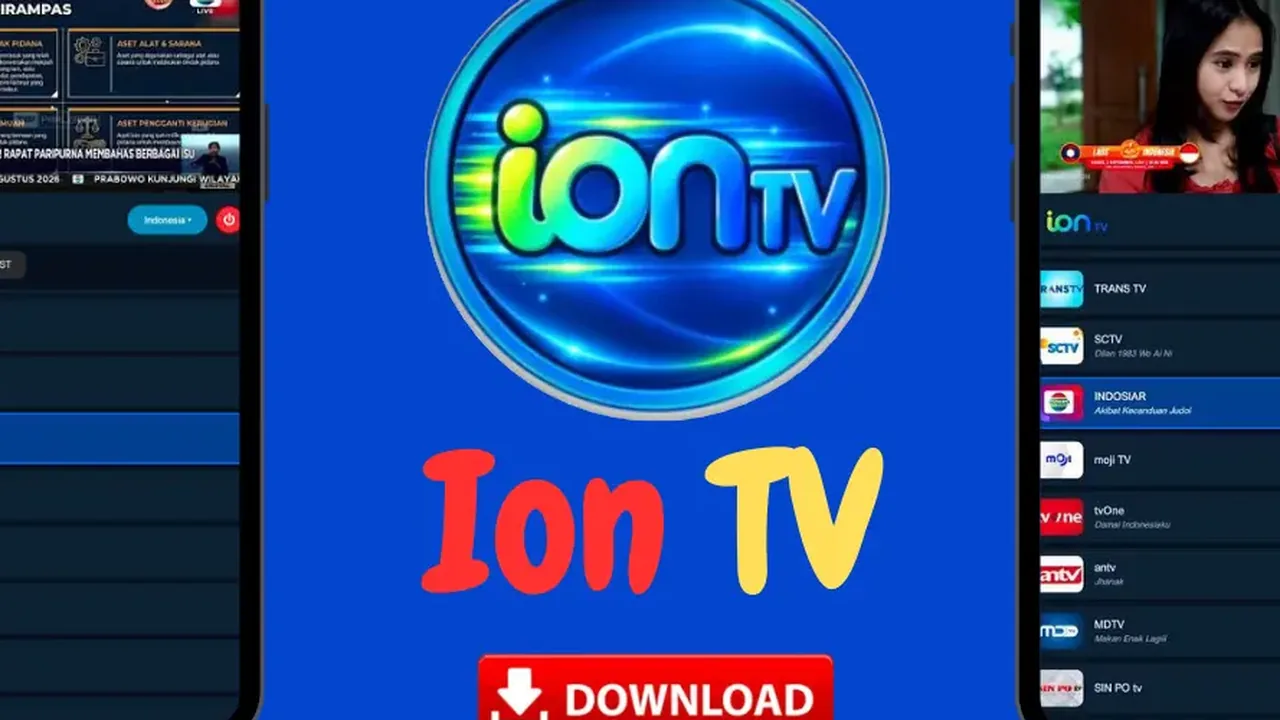

Install on a phone
Ion TV installs from a file you have checked yourself. Ion TV download is an Android app, so download the file, open it, and follow the prompts on the phone.
Android asks to allow installs from the browser or file manager first. Allow it for the install, tap the file, and turn the permission back off when the install is done.
Install on a television
For a television, copy the file to a USB drive and open it with the TV file manager. download page is where the file is, and the television guide covers the remote side of the setup.
Open Ion TV from the TV apps list when the install finishes, and let the guide load before tapping a channel.
After install: the first hour
The first hour is for learning the guide. Browse every category once, open one channel, and learn the player.
Do not change settings in the first hour. Learn the default app first, then adjust from knowledge.
Test a live event in the first hour if one is listed. A test watched calmly beats a test at kick-off.
First launch checklist
After installing, open the app once and let the guide settle. Ion TV APK on Phone and Tablet walks through the first evening, and Is Ion TV Safe? Permissions, Files and Smart Installs covers the categories, so the first watch is never a guess.
If installing fails, restart the phone, free up some storage, and try the install once more. The fix guides cover the rest.