

The seven categories
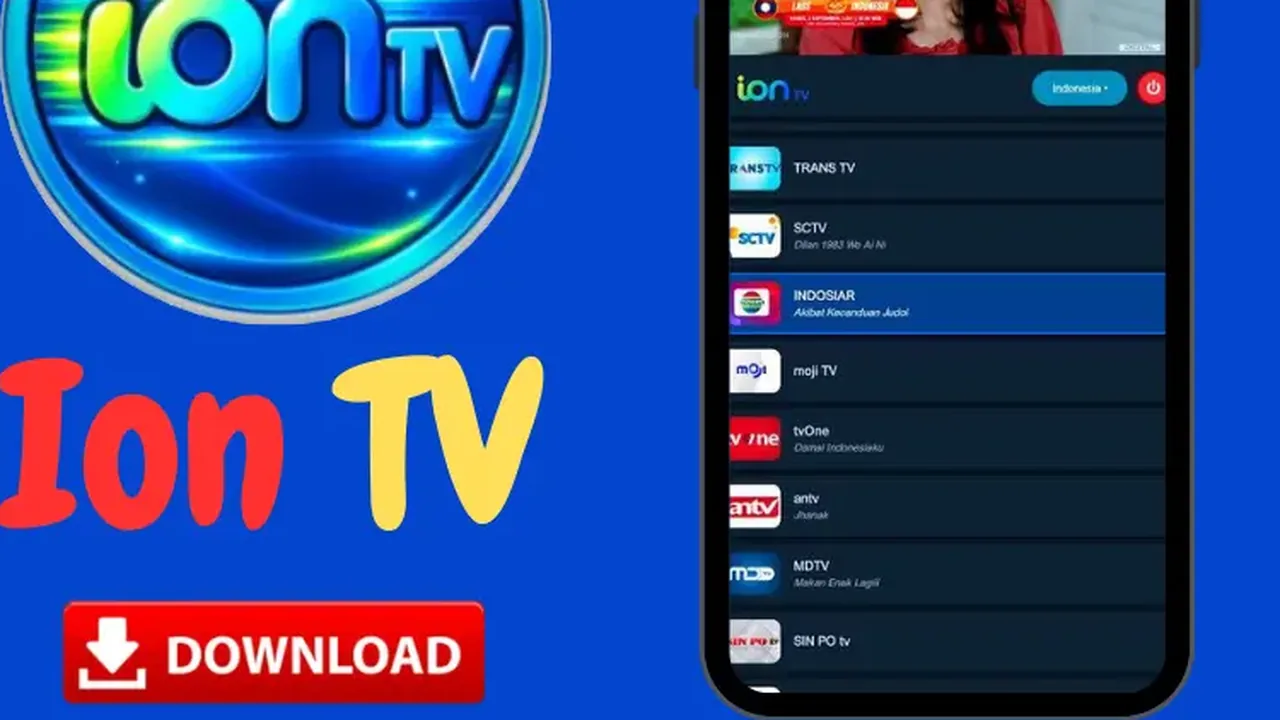
Ion TV APK download organises its guide into seven categories. Events carries live fixtures, Sports gathers sports channels, Indonesia gathers Indonesian channels, Kids serves younger viewers, Blockbuster carries movies, News carries current affairs, and Knowledge carries factual and lifestyle programming.
Learn the seven and the guide stops feeling large. Every list in the app belongs to one of them, and every evening starts with choosing one.
Choosing by mood, not by scrolling
Pick the category that matches the mood: a match means Events, a film means Blockbuster, the news means News, and a quiet evening means Knowledge. Scrolling everything wastes the evening; choosing a category saves it.
The player stays one tap away from every category. Switching from a match to the news is a short trip back through the guide.
A category for every evening
Monday needs news, Friday needs a film, Sunday needs sport. The categories map neatly onto the week.
Knowledge evenings are underrated: a documentary after a long day is restful in a way scrolling never is.
Kids evenings need a plan: one show, one time, and the remote in a parent hand.
The guide changes daily
Lists vary with the broadcast day. Ion TV APK on Android TV explains the Indonesian list in detail, and Ion TV APK Smart TV Guide covers live sports fixtures, which change fastest of all.
Check the guide on the day, not from memory. Memory says what was on yesterday; the guide says what is on now.