
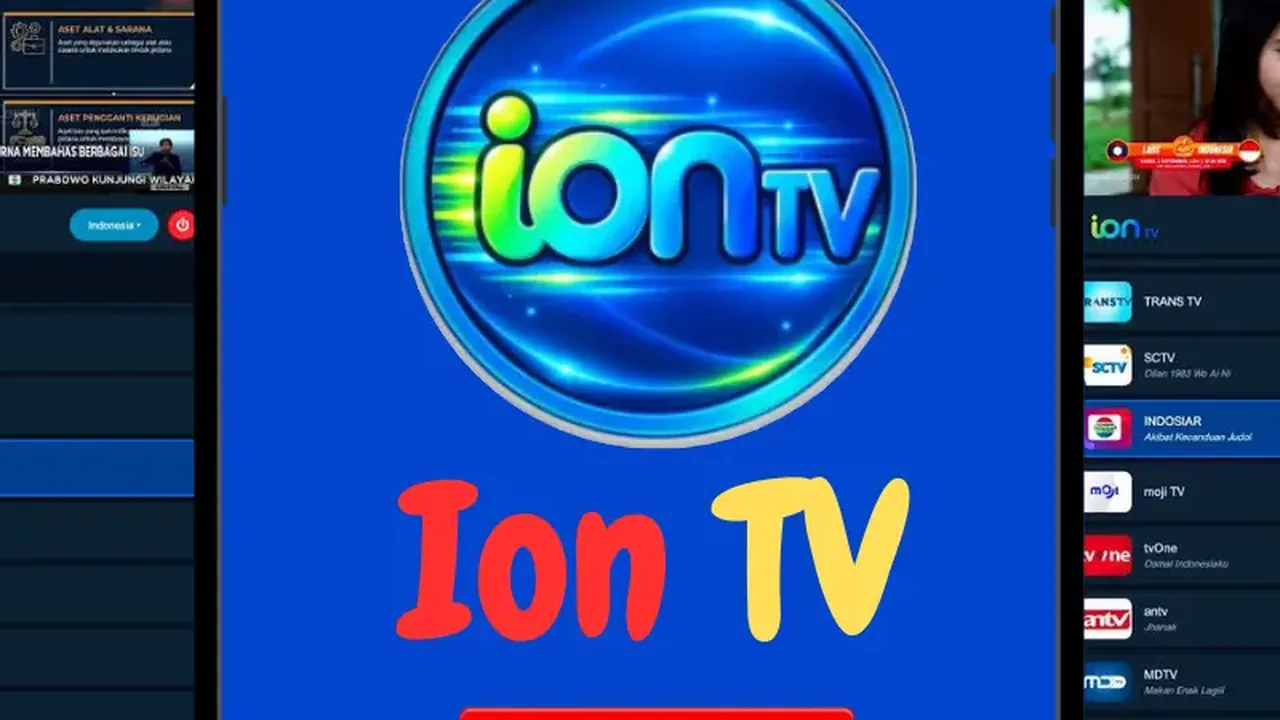

Install on the television
Ion TV runs on Android TV devices with the same guide as the phone. Ion TV on Android installs from a file: copy it to a USB drive, open it with the TV file manager, and follow the install prompts.
Allow installs from the file manager when the television asks, then turn the permission back off. Open Ion TV from the TV apps list when the install finishes.
Browsing with the remote
The guide is built for a remote: categories across the top of the thinking, lists to scroll, and a tap to open the player. Move slowly at first and the layout becomes familiar in one evening.
The remote cannot do picture-in-picture the way a phone can, and it does not need to. The television is the whole screen, and the match gets all of it.
The remote control habit
Learn three remote moves: back to the guide, across the categories, and into the player. Everything else is patience.
Keep the remote charged or with fresh batteries before a big match. A dead remote at kick-off is a small tragedy.
Teach the household the guide. A television everyone can use is a television everyone enjoys.
A television evening that works
Use strong Wi-Fi for the television, since the big screen shows every stutter. Ion TV APK Smart TV Guide covers quality and data for long sessions, and Ion TV APK on PC explains the phone and tablet setup for the rest of the house.
Keep the phone handy as a second screen. Notifications on the phone can flag the next fixture while the television shows the current one.