

The quick fixes first
Buffering usually means the connection or the link, not the app. get Ion TV plays best on a strong signal, so the first fix is always the signal: move closer to the router, or switch from mobile data to Wi-Fi.
Lower the quality or switch on force low quality mode. A softer picture that plays beats a sharp picture that stalls, especially during a live match.
Try another link
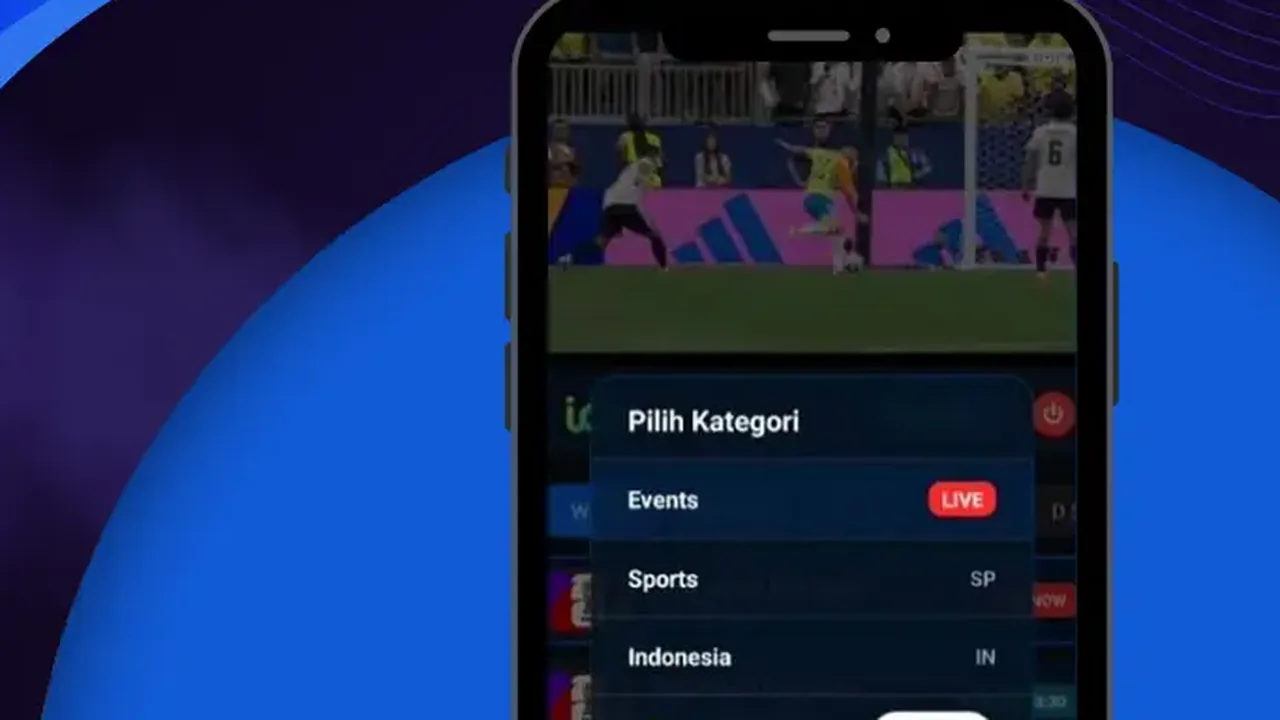
Multiple links carry the same broadcast. If one link stalls, go back to the guide and try another. Ion TV APK Not Working explains the Events list, where the links live, and How to Install Ion TV APK on Android covers quality and data for the session.
Test the new link for a minute before judging it. A link that plays cleanly for a minute usually plays cleanly for the match.
Preventing the next buffer
Test the link before the match, not during it. A minute early saves a goal missed.
Keep the router in the open, not in a cupboard. Wi-Fi through a closed door is Wi-Fi halved.
One stream at a time on a busy network. A household streaming four things will buffer the fifth.
The thorough fixes
Restart the app, then the phone. Close other apps that use the connection, and try the stream alone. A phone doing five things streams worse than a phone doing one.
If every link buffers, the connection itself is the problem. Test another video app: if it buffers too, the network needs attention, not Ion TV.