
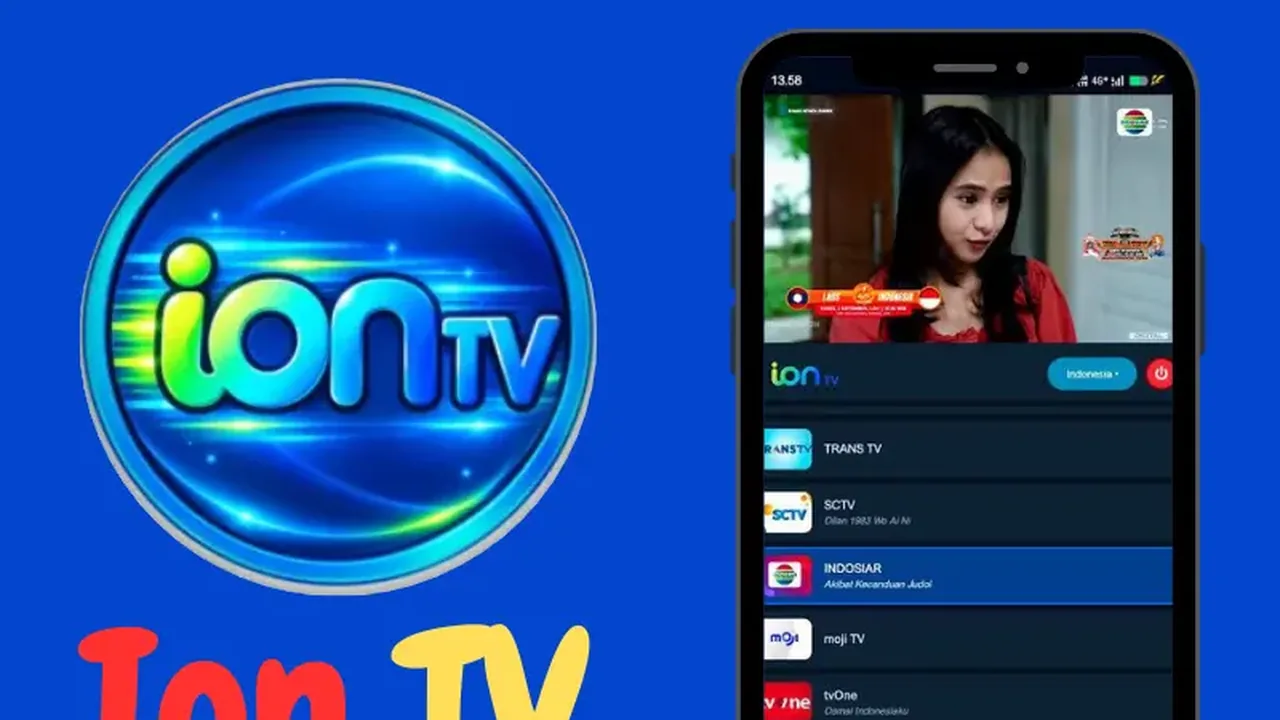

The Blockbuster category
Blockbuster gathers movies and series in Ion TV. Ion TV app puts films and shows beside the live channels, so an evening can move from a match to a movie without changing apps.
Browse by mood, not by title. The list rewards a viewer who knows whether the evening wants action, drama, or something light.
A movie night that works
Pick the film before the evening starts, test the link, and settle in. A film chosen in a hurry is a film half watched, and a link tested early rarely fails at the opening scene.
Use Wi-Fi and the big screen where possible. Ion TV APK News Guide covers the television setup, and Ion TV APK Kids Guide explains quality settings for long films.
The film shelf habit
Keep a short list of films to watch. A list chosen calmly beats a list chosen at midnight.
Rewatching is allowed. A good film improves on a second viewing, and the guide may not offer it again soon.
Series need a notebook: episode, season, and where the story stopped. The guide will not remember for you.
Series and continuing stories
Series reward routine. Note where an episode ends, and the next evening starts in the right place.
The guide changes daily, so a series followed over weeks is worth checking in the category each evening rather than trusting memory.